
Earn More 5-Star Reviews from Happy Customers
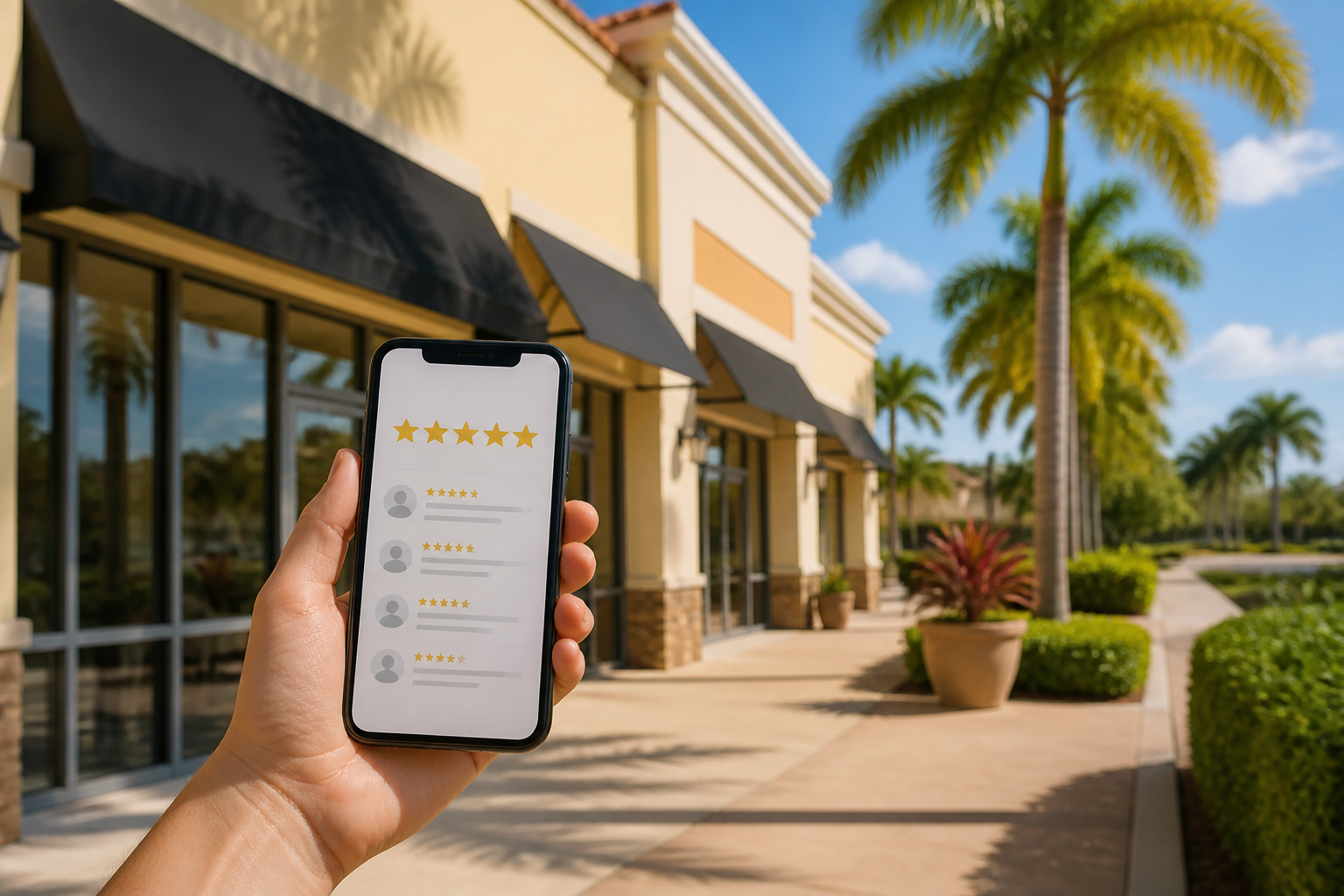
Turn happy moments into five-star praise with simple requests and an easy path for customers.
Why reviews matter in Port St. Lucie In PSL, customers rely on online reviews to choose local services. A solid set of 5-star reviews on Google and Facebook helps you show up in search results, builds trust, and drives more foot traffic. The goal is to capture honest happy moments and make it easy for customers to share them.
Build a review friendly customer journey Think about every touchpoint after a sale or service. A happy customer is your best ambassador. Put review prompts where customers already feel satisfied:
- In person at checkout - In your receipts and packaging - On email receipts and thank you notes - In follow up messages a day or two after service
Make it easy with direct links, not just a homepage. Create a simple review path for the customer and train staff to guide it.
Concrete steps you can deploy today 1) Claim and optimize your Google Business Profile and other key review sites. Ensure hours, contact, and location are accurate. 2) Generate a short, trackable review link. Use a Google review link and a Facebook review link so customers can choose. Shorten links for print if needed. 3) Add a review QR at the point of sale. A small card on the counter with a QR code that opens the review page makes it effortless. 4) Use an opt in method for follow ups. Collect emails or phone numbers at checkout with consent, then schedule a follow up the next day with the link. 5) Run a short staff training. Script a confident ask so team members know when and how to request reviews without pressuring customers. 6) Display in store prompts. A tidy sign near the register can say something like happy with your service? drop a quick review. Keep it simple and local friendly. 7) Respect privacy and policy. Never offer incentives for writing reviews and never pressure for five stars. Encourage honest feedback instead.
Templates you can copy In person ask Hello and thanks for visiting us today. If you were happy with your service, would you mind leaving a quick review on Google? Here is the link {GoogleReviewLink}. It only takes a minute and helps others in Port St. Lucie find us.
Email follow up Subject: Thanks for choosing us in PSL Thanks for your recent visit. If you were happy with your experience, please share a quick review here {GoogleReviewLink}. We appreciate your time and your feedback helps our local community.
SMS option We appreciate your visit. If you enjoyed your experience, please leave a quick review at {ReviewLink}. Thank you for supporting local business in Port St. Lucie.
Manage and respond to reviews Monitor daily. Respond to every review within 24 to 48 hours. For positive reviews, thank the customer by name and mention something specific they did. For negative reviews, acknowledge, apologize, and offer to make it right. If you can fix the issue, invite them to update the review after resolution.
Measure and refine Track your review rate as the number of new reviews divided by total customer interactions that could have left a review. Set a modest target such as a 20 percent increase in new reviews over the next 60 days. Run A B tests on your ask message to see which prompt yields more reviews. Use the data to adjust your process and timing.
Takeaway A simple, consistent process that makes leaving a review easy for happy customers converts satisfaction into more 5 star social proof and stronger local visibility in PSL.
Tip: Facebook caches previews. If the image doesn't show, use the Sharing Debugger and click "Scrape Again".