
ElectionsPort St. LucieCivic Engagement
PSL Elections 2026: Local Guide for Voters & Candidates
PSL Thrive Aug 23, 2026
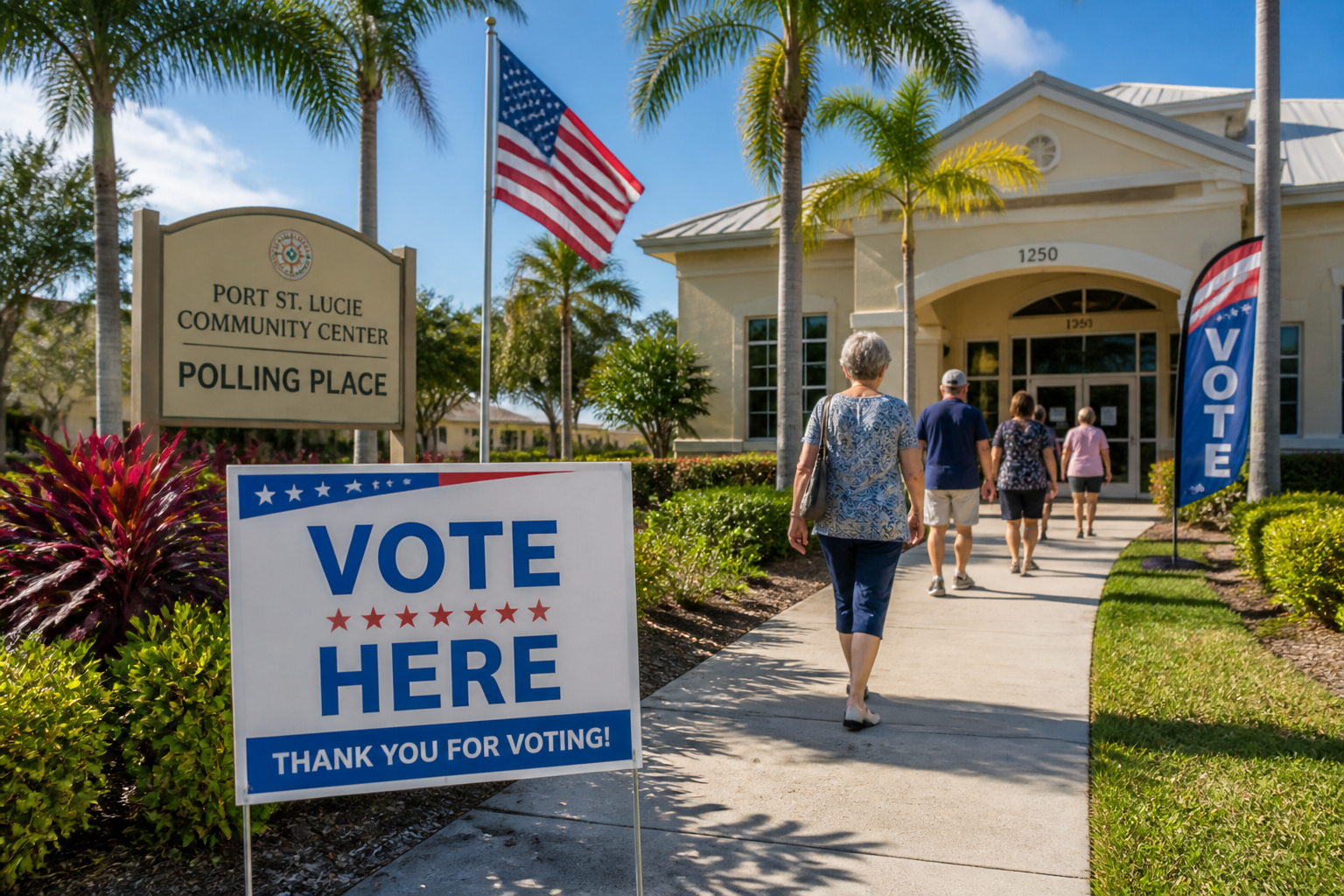
A practical PSL-focused rundown on Port St. Lucie’s 2026 city races, how to run, and how to vote with ease.
Big picture: PSL’s 2026 elections Port St. Lucie residents have a clear, community-driven process ahead. The City Clerk serves as the qualifying officer for Mayor and City Council seats, and candidate filings must go through City Clerk’s Office. Elections here are nonpartisan, which means party labels won’t appear on nomination forms or ballots. For PSL families and neighbors, that makes civic engagement accessible and focused on how our city runs—from streets and parks to public safety and budgeting.
What’s on the ballot in 2026 In PSL, four-year terms mean some key seats cycle through together. The 2026 election includes the Mayor seat and City Council Districts 1 and 3. This is your chance to help shape the next four years of local leadership. While the city’s official page lists candidate names and updates, keep an eye on the Florida Division of Elections for any timing changes. Primary and General Election dates in 2026 are highlighted as part of the process: plan around these dates so your voice is heard.
How to run: candidate qualifications in PSL If you’re considering running for City Council or Mayor, here’s what PSL requires: - You must have lived continuously in the district you seek to represent for at least one year before the qualifying deadline. - You’ll need a valid Florida Driver’s License or State ID and a St. Lucie County Voter Registration card. - You must provide proof of residency at qualifying time—utility bill, lease, electric bill, or another acceptable document.
Qualifying dates are not set until the Florida Division of Elections posts them. Once released, you’ll want to move quickly to prepare your paperwork and ensure you meet all requirements.
Getting started: the City Clerk’s candidate packet The City Clerk’s Office handles all candidate packets and related forms. To pick up the packet, call 772-871-5168 and schedule an appointment. Staff can review materials with you, confirm you’ve met residency requirements, and guide you through signing off on receipt. Appointment-based filing helps ensure accuracy and avoids delays.
Campaign finance basics you should know If you plan to raise or spend money, you’ll need to file Form DS‑DE 9 (Appointment of Campaign Treasurer and Designation of Campaign Depository) before opening a campaign account or accepting contributions. In PSL, campaign funds must come from the campaign account—personal checks, cash, or cashier’s checks aren’t used for qualifying. There’s also a financial requirement tied to the office: an election assessment equal to 1% of the annual salary for the office sought, plus a $25 local election fee.
Where PSL candidates find official guidance - City Clerk’s Office: to pick up the candidate packet and for appointment scheduling. - Florida Department of State, Division of Elections: for state-level election rules and timelines. - St. Lucie County Supervisor of Elections: for county-level voting logistics. - Election Guide for City-Owned Polling Sites: a practical resource you’ll want on hand if you’ll be voting at city facilities.
A note for PSL voters and residents Even if you aren’t running, your participation matters. Attend neighborhood meetings, review candidate information, and make a plan to vote on Primary and General Election days. Your involvement helps shape city services—from road repairs to library programs and youth activities.
Community takeaway Community takeaway: stay informed, gather your documents early, and mark your calendar—PSL’s 2026 elections are a chance to shape everyday life here in Port St. Lucie, together.
---
Source: cityofpsl.com
Tip: Facebook caches previews. If the image doesn't show, use the Sharing Debugger and click "Scrape Again".