
Google MapsLocal SEOPort St. Lucie
Stand Out on Google Maps: Local PSL Tips That Work
PSL Thrive Jul 11, 2026
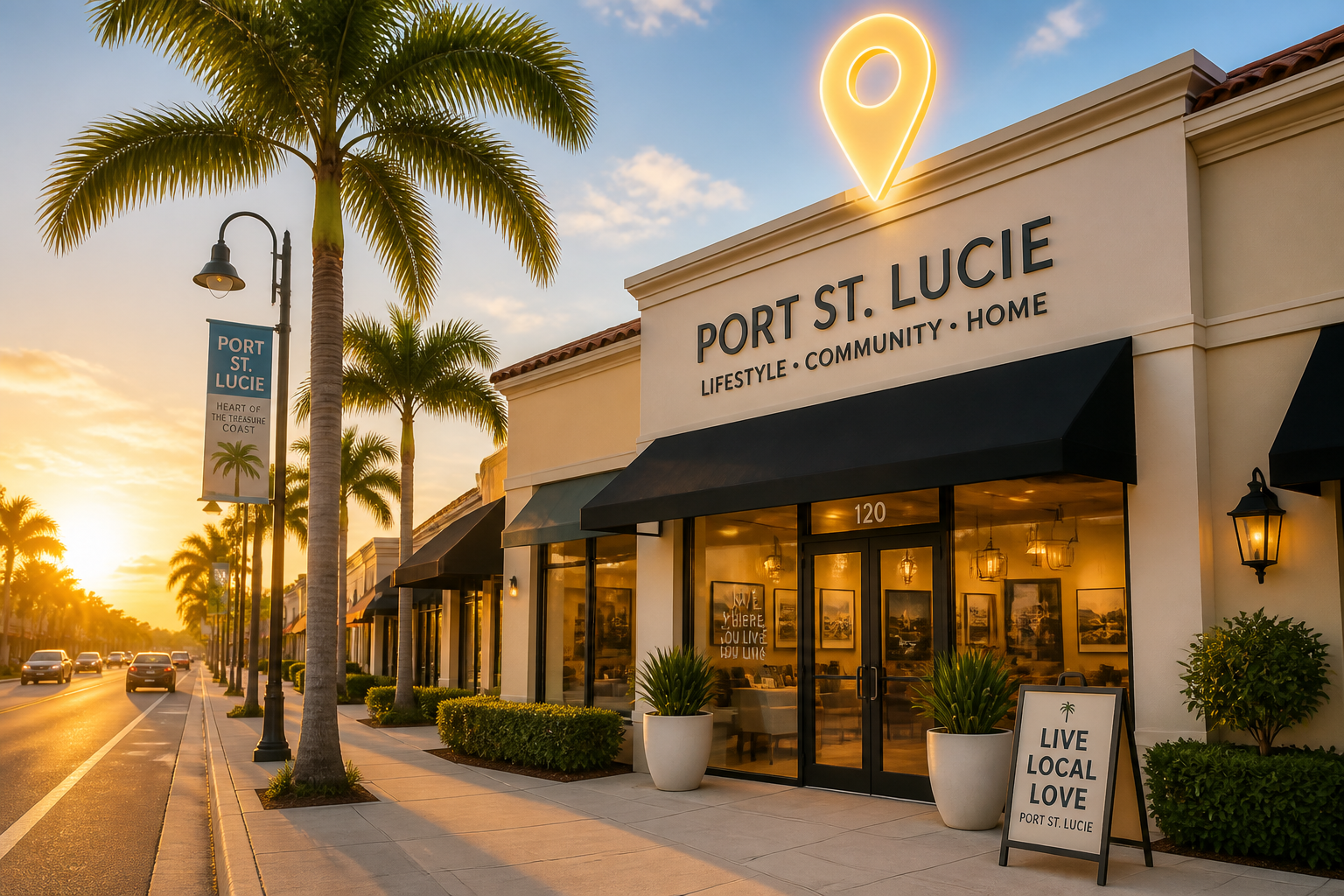
Practical steps Port St. Lucie businesses can take to shine on Google Maps and attract more local customers.
Why Google Maps matters for Port St. Lucie For small local businesses in Port St. Lucie, Google Maps is often the first touchpoint customers use to find you, compare options, and decide where to shop. A well-optimized profile increases visibility in local search and maps results, drives more calls and visits, and builds trust with PSL shoppers. The good news is you can start with a few concrete actions and see meaningful improvements within weeks.
Step 1: Claim, verify, and keep your profile current First things first: claim your Google Business Profile (GBP) and complete verification. If you already have a listing, request access or claim ownership through your Google account. Once verified, fill out every field you can: - Name, address, and phone (NAP) should be exactly as they appear on your site and in local listings. - Primary category that best fits your core business and add relevant additional categories if allowed. - Address specific details like suite number or building name if applicable. Use a real location in PSL for accuracy. - Hours, including seasonal and special hours for PSL events or holidays.
Step 2: Nail the profile basics with local relevance Your profile should clearly answer who you are and what you offer, with PSL-specific context: - Business description: 2–3 concise sentences that mention Port St. Lucie neighborhoods or landmarks you serve. Avoid keyword stuffing; write for humans first. - Services or products: list core offerings with short, value-driven bullet points or descriptions. - Attributes: select applicable features like wheelchair accessibility, outdoor seating, or family-friendly environment depending on your business. - URL and contact: include your website and a direct call-to-action (CTA) such as Book, Call, or Message.
Step 3: Build a gallery that earns trust People decide quickly based on visuals. Upload a mix of high-quality photos and short videos: - Exterior storefront and interior shot to establish trust and location. - Product shots, service demonstrations, and signage with current promos. - Team photos (if appropriate) and any awards or certificates. - Add a short video tour or a quick walkthrough of your PSL store. Tip: aim for 10–15 images total.
Step 4: Harvest and respond to reviews in PSL style Reviews are social proof that can move locals to visit: - Ask happy customers in person or via follow-up emails to leave a review. - Promptly respond to all reviews, especially negative ones. Acknowledge the issue, apologize if needed, and offer a fast resolution. - Highlight PSL-specific details in your responses, like serving nearby neighborhoods or supporting local residents during events.
Step 5: Post updates and locally relevant offers Use Google Posts to share timely PSL-worthy content: - Announce seasonal hours, local events, or weekend specials in Port St. Lucie. - Promote limited-time offers or new products tailored to PSL customers. - Include a clear CTA and a link to your site or booking page.
Step 6: Add products, services, and menus with clarity If you sell products or have a service menu, add them to GBP with compact descriptions, prices (where appropriate), and clear categories. Restaurants and cafes should upload a current menu image or post; retailers can showcase best sellers or seasonal items.
Step 7: Leverage Q&A and enable messaging Monitor the Questions & Answers section and answer common queries proactively. Create a few example Q&As that cover PSL-specific questions (hours during PSL events, parking, pickup options). Enable Messaging so customers can ask questions directly from Maps. Be responsive during business hours to convert inquiries into visits or calls.
Step 8: Keep NAP consistent across the web In addition to GBP, ensure your Name, Address, and Phone number match on your website and key local directories (Yelp, Facebook, Chamber pages, etc.). Inconsistent NAP can hurt local rankings in PSL and confuse customers.
Step 9: Use local signals and citations from PSL sources Build credible local signals by: - Getting listed in Port St. Lucie community directories and local business pages. - Securing mentions or backlinks from PSL news outlets, neighborhood blogs, and sponsor pages. - Encouraging customers from PSL neighborhoods to share their experiences and tag your business on Maps.
Step 10: Track performance and iterate for PSL success Regularly review GBP Insights to see how customers find you in PSL: - Look at how often your listing appears in Maps vs. search, and which queries drive traffic. - Note which photos or posts generate the most engagement and adjust your content accordingly. - Test different posts, offers, and event updates to determine what resonates with Port St. Lucie shoppers.
Takeaway A proactive, locally tuned Google Maps presence helps Port St. Lucie customers discover you, trust you, and choose you over the competition. Start with claiming and verifying your profile, then build a rich, answer-ready listing that reflects PSL life and supports ongoing engagement with your neighbors.
Tip: Facebook caches previews. If the image doesn't show, use the Sharing Debugger and click "Scrape Again".