
Google MapsLocal SEOPort St. LucieSmall business marketingGBP optimization
Stand out on Google Maps: PSL local guide
PSL Thrive Aug 15, 2026
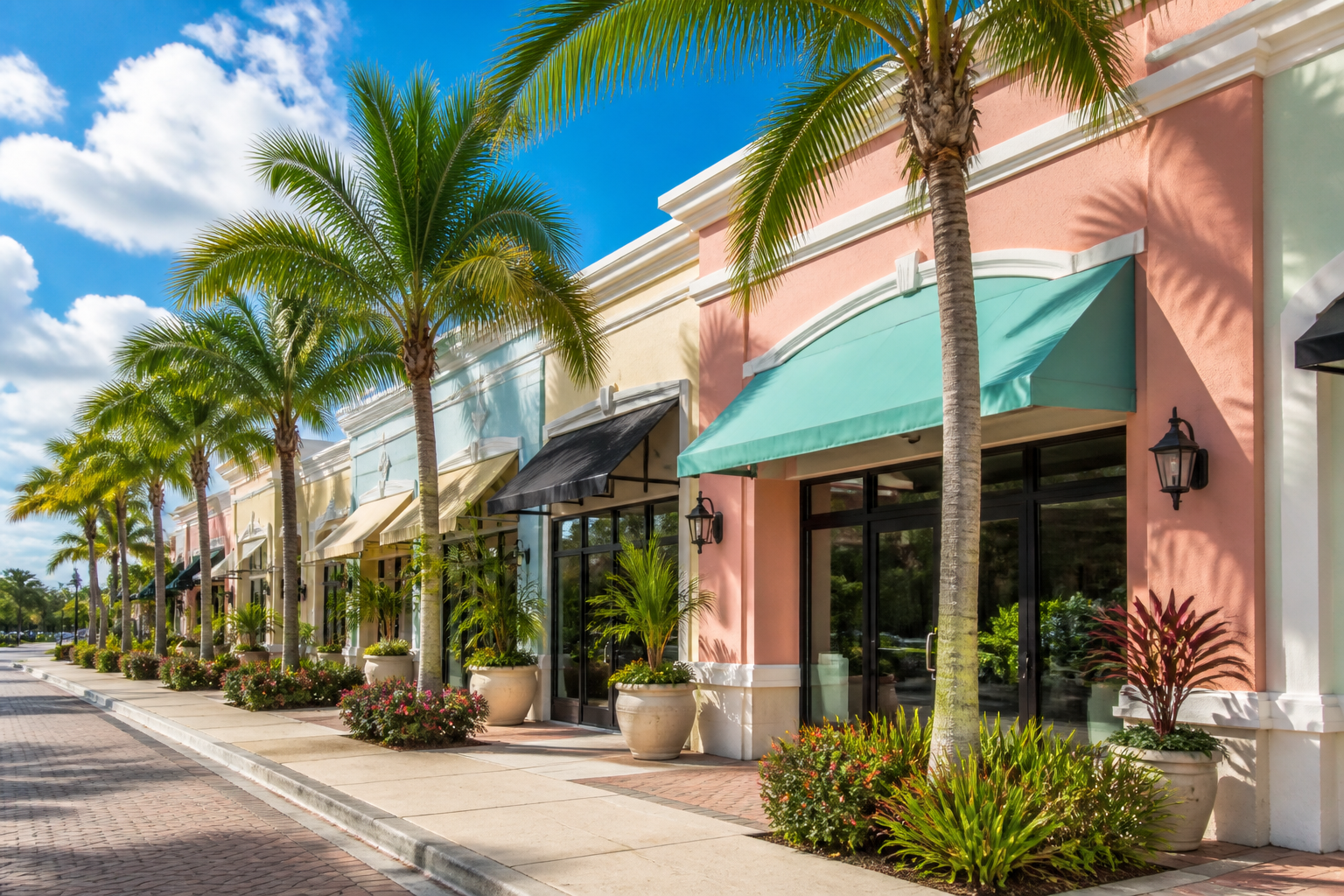
Learn practical steps Port St. Lucie businesses can take right now to improve visibility on Google Maps, attract more local customers, and boost foot traffic.
Why Google Maps matters for PSL businesses In Port St. Lucie, many customers search for nearby shops on maps first. Google Maps shows the closest options with user reviews, hours, photos, and posts. Where you appear matters for foot traffic and phone calls. Rankings depend on proximity to the searcher, relevance to the query, and the prominence of your profile through engagement and signals. For small PSL shops, the opportunity is real but requires consistent, concrete actions.
Claim and verify your Google Business Profile Action steps: - Go to Google Business Profile and claim your listing if you have not yet claimed. - Use the exact business name, physical address, phone, and website across all listings to prevent split signals. - Choose a primary category that best matches your core offering. Add a few secondary categories if relevant but avoid broad misalignment. - Verify the business. If you can choose postcard verification, expect about a week for delivery; if eligible, instant verification can speed up. - Set the service area if you do not serve customers at your storefront, include Port St. Lucie metro and nearby neighborhoods to improve local relevance.
Optimize your listing for relevance and readability - Write a concise business description under 750 characters, including local cues like Port St. Lucie and nearby neighborhoods but keep it natural. - Ensure NAP is identical everywhere including the website, social pages, and partner directories. - Add hours and seasonal changes. Include special hours for holidays. - Use attributes to highlight accessibility and offerings that matter to PSL customers. - List products or services with clear names and short descriptions. This helps maps show your relevant services. - Upload a profile photo and a cover photo that reflect your storefront. Add interior shots, equipment, and team members if allowed.
Visuals and video boost - Upload 15 to 20 high quality photos and a few short videos showing the storefront, interior, best selling items, and service moments. - Keep images bright and in focus. Add captions with local cues to improve context. - If you can, add a 360 view or a short tour to give users a sense of your space.
Posts, Q&A, and reviews - Use Google Posts to announce a sale, a new service, or a PSL community event. Post weekly or biweekly to stay active. - Monitor Q&A and answer common questions proactively. Add a few built out questions and answers to cover neighborhood specifics and typical hours. - Cultivate reviews by asking customers for feedback after a service. Use simple messaging and a QR code to your review link or a follow up email. - Respond to every review, both positive and negative, within 24 to 48 hours. Show appreciation for positive feedback and resolve issues in public comments.
Local content and citations - Add local flavor by mentioning Port St. Lucie in your description and posts. Create content that ties your offerings to PSL needs, neighborhoods, and events. - Build consistent NAP across other directories like Yelp, Facebook, Apple Maps, and the PSL Thrive directory. Consistency signals trust and helps maps ranking. - Seek local partnerships and a few credible backlinks from PSL businesses or local media to improve prominence in maps.
Track, test, and iterate - Use GBP insights to monitor views, searches, and actions such as calls and direction requests. - Test small changes one at a time: new primary category, a fresh cover photo, a different service list order, or posting cadence. - Revisit weekly or monthly to refresh photos, update inventories, and adjust hours for seasonal PSL spikes.
Quick PSL action plan for this week - Day 1: Claim and verify your profile; confirm NAP and hours. - Day 2: Upload 10 to 15 photos, add a short video tour, and fill in services with clear names. - Day 3: Write a local description update and post an introductory offer. - Day 4: Post a PSL focused update and ask 3 customers for reviews. - Day 5: Review and respond to any existing reviews; fix any inconsistent information across directories.
Takeaway Take control of your Google Map presence with a verified, complete profile, fresh local visuals, regular updates, and steady reviews to win more PSL local searches.
Tip: Facebook caches previews. If the image doesn't show, use the Sharing Debugger and click "Scrape Again".