
Google Maps optimizationLocal SEOPort St. Lucie
Stand Out on Google Maps: PSL Local Guide
PSL Thrive Oct 23, 2026
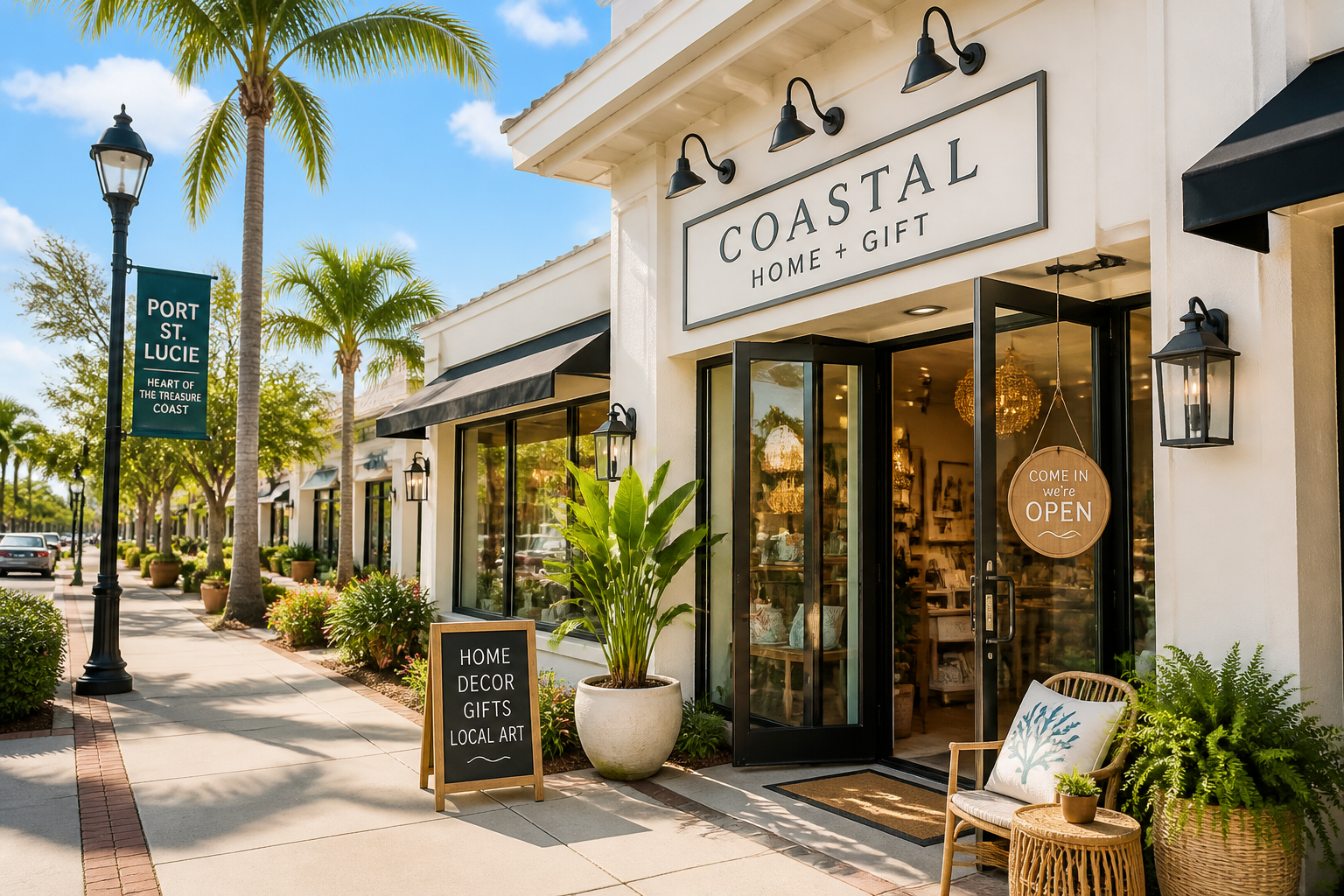
Practical, step by step tips for Port St. Lucie businesses to optimize Google Maps and attract locals.
Why Google Maps matters for PSL businesses Google Maps is often the first stop locals use to find nearby shops, services, and eateries. A strong Google Business Profile helps you appear in map results, local packs, and even the knowledge panel. In Port St. Lucie, where communities cluster around the Riverwalk, golf clubs, and beach access, a complete profile makes you the easy choice when someone searches for coffee, repairs, or family-friendly dining nearby. This guide gives you concrete actions you can take this week.
Start with a solid foundation: claim, verify, and keep NAP consistent Claim your Google Business Profile and verify it quickly. In Maps, search for your business, claim the listing, and choose a verification method. Post verification, lock in a consistent name, address, and phone number across Google, your website, and PSL Thrive. Inconsistent NAP confuses Google and customers, hurting visibility. - Action steps: - Claim the listing and select verification (postcard is common; phone or email can be faster if offered). - Confirm the storefront address exactly matches your storefront signage and your website. - Update the primary business name if needed to reflect how locals search for you (avoid keyword stuffing).
Polish your profile: categories, description, hours, attributes Fill every field with precise, locally relevant details. Use a primary category that matches your core offering and add 1-2 secondary categories if they fit. - Action steps: - Write a concise, local description that mentions Port St. Lucie naturally and describes what you offer and why locals choose you. - Set accurate hours and add holiday or special hours so customers know when you are open. - Use attributes such as Wi-Fi, outdoor seating, curbside pickup, or accessibility if relevant.
Spark with visuals: photos, videos, and tours People judge by what they see. Start with a strong photo set: storefront, interior, a signature item, staff at work, and a happy customer moment (with permission). If you can, add a short video and a 360 photo or virtual tour. - Action steps: - Upload 5-10 high quality photos that tell your story. Update seasonally (new menu, new products). - Add a short 30-60 second video showcasing your space or a quick behind the scenes. - Include captions that describe the image without relying on text overlays.
Posts that convert: keep GBP fresh Google Posts stay live for a week or so and can drive visits, calls, or orders. Use them to announce offers, events, or new items. - Action steps: - Post once a week with a clear CTA (Visit us, Call now, Order online). - Include a time-limited offer or highlight a local tie-in such as a PSL event or summer special. - Track which posts get more clicks and refine your messaging.
Engage with reviews: actively manage Reviews build trust fast. Encourage happy customers to leave a review and respond to all feedback promptly and professionally. A thoughtful reply to a negative review can turn a bad experience into a positive impression. - Action steps: - After a great visit, invite the customer to leave a review with a simple script. - Respond to reviews within 24-48 hours using a friendly tone and specific details. - Use constructive feedback to improve, and consider a short follow up post addressing the issue if appropriate.
Leverage Q&A and Services/Products Preload common questions and list your services or products clearly. This helps answer questions without customers having to call first. - Action steps: - Add at least 3 FAQ questions with clear, concise answers (examples: hours, delivery options, parking, accessibility). - List key services or products with short descriptions and prices if possible. - Monitor new questions and answer promptly to stay top of mind.
Local signals and consistency: citations matter Your GBP is strongest when it matches across the web. Ensure your NAP is identical on your site, social profiles, PSL Thrive listing, and local directories (Chamber of Commerce, tourism guides, and local business directories). - Action steps: - Audit your NAP everywhere and fix any discrepancies. - Encourage local partners to link to you and share your GBP link. - Keep the same business name and address even if you change promos or menus.
Measure, adjust, and repeat GBP Insights show how customers find you, what they click, and where you win engagements. - Action steps: - Review insights monthly: which searches bring you up, how many direction requests, and how many calls. - Set a 90-day goal (for example, increase profile views by 20 percent or gain 10 new reviews). - Tweak your description, photos, and posts based on what shoppers respond to in insights.
PSL specific ideas to stand out - Partner with nearby events at Rivergate or the port area to feature a limited menu and post about it on GBP with a special offer for attendees. - Highlight local, family-friendly attributes and mention nearby landmarks like the Riverwalk or Savannas Preserve in descriptions to anchor you in Port St. Lucie. - Run a local collaboration post, such as a cross-promotion with a nearby business, and tag partners to boost visibility.
Takeaway A complete, active Google Business Profile tailored to Port St. Lucie helps you appear in map searches, attract local customers, and grow visitation with real, two-way interactions. Make it a weekly habit and you will stand out in PSL on Google Maps.
Tip: Facebook caches previews. If the image doesn't show, use the Sharing Debugger and click "Scrape Again".