
Google Maps optimizationPort St. LucieLocal SEO
Stand Out on Google Maps: PSL Local Tips
PSL Thrive Aug 19, 2026
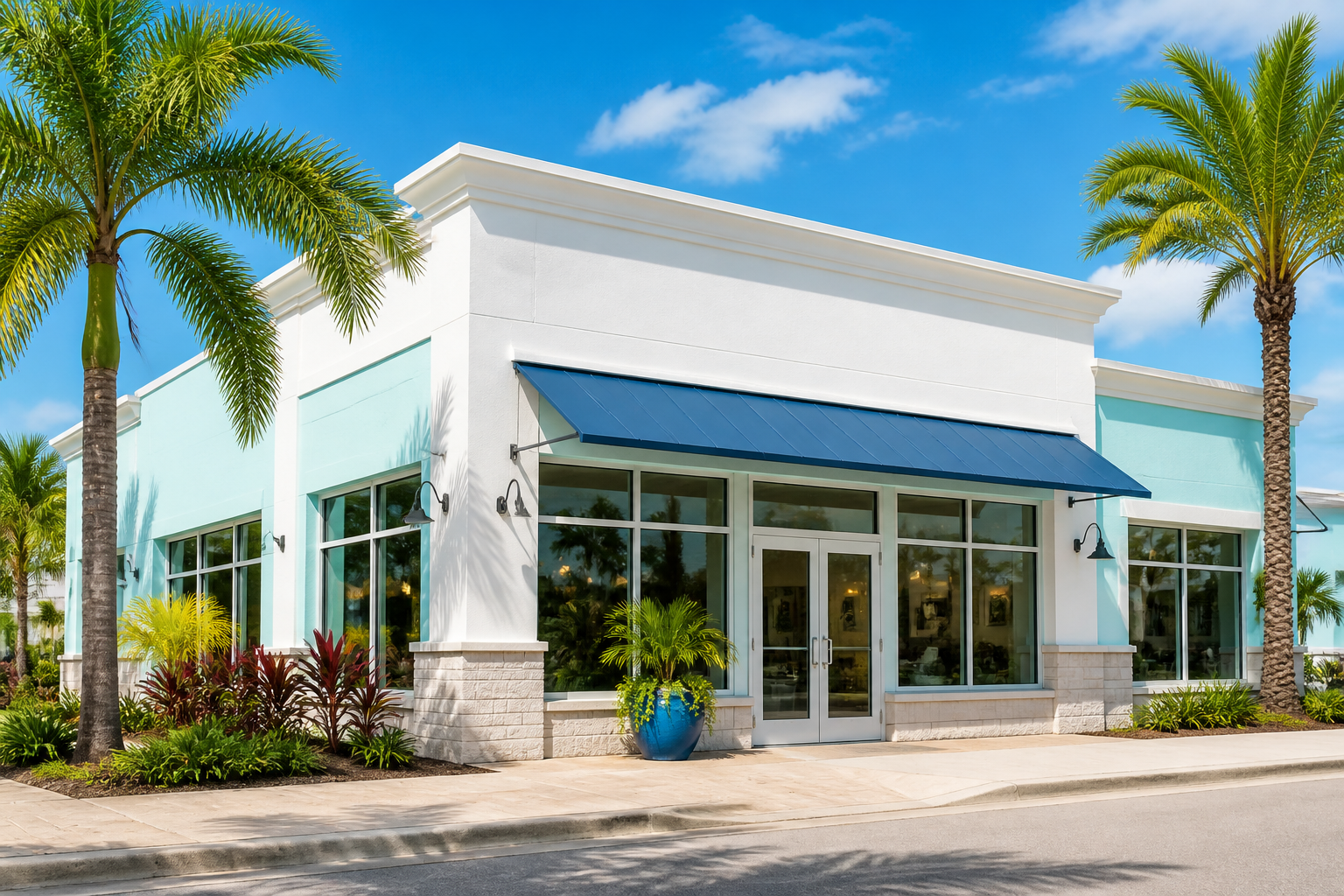
Boost traffic with a well-optimized Google Maps listing tailored for Port St. Lucie. Practical steps you can start today.
Port St. Lucie businesses thrive when customers can find you quickly on Google Maps. A sharp Google Business Profile listing is more than a listing; it is your storefront on the biggest local search stage. Use a disciplined, PSL specific approach to rise in maps results and turn seekers into customers.
Claim, verify, and optimize your Google Business Profile - Claim and verify your GBP. If you already have a listing, claim it and request ownership. Verification makes you appear in maps and search. - Ensure your NAP is exact across all channels. Your business name, address, and phone should match what’s on your door and website. - Pick a primary category that best fits your business, then add 3–5 relevant secondary categories. - Complete hours, special hours for holidays, and service areas if you do not have a storefront. - Write a concise description that mentions Port St. Lucie and nearby areas and include a couple of natural keywords (for example local plumbing in PSL, family-friendly cafe in Port St. Lucie). - Add useful attributes such as Wheelchair accessible, Outdoor seating, Free parking, In-store pickup, or Offers.
Nail the visuals that get clicks - Upload 5–7 high quality photos: storefront exterior, interior, a product or service in action, a well-lit counter, and a team shot if you have permission to post. Avoid stocky, dark or blurry images. - Use natural light and clear, uncluttered shots. Caption them in your GBP when possible to add context. - Add a short 360 or panorama if available to give a sense of space. - Ensure your logo matches on your website and other listings for consistency.
Use Posts, offers and service listings - Publish at least one post per week. Posts can announce a sale, a new service, or an upcoming event in PSL, such as a local market or charity drive. - Create a special offer for PSL customers with a clear call to action and a deadline. - If you offer services or a menu, use the Services or Products tab to build a mini catalog customers can browse in Maps. - Include a compelling photo with every post to improve engagement.
Collect, manage, and respond to reviews - Proactively ask happy customers to leave a review after a visit or purchase. A simple handheld card with a review link works well in PSL venues. - Respond to all reviews, even negative ones. Acknowledge the issue, share what you did to fix it, and invite the reviewer back. - Highlight local relevance in responses by mentioning PSL and nearby neighborhoods when appropriate.
Build a helpful Q and A and FAQs - Pre-fill common questions in the Q&A with clear, concise answers. For example Do you offer curbside pickup in PSL How long is delivery - Monitor new questions and answer promptly. This content helps potential customers decide before they even call.
Tighten local relevance with citations and service areas - Ensure your NAP is consistent across key local directories and maps platforms. Update any changes on your website and GBP first. - If you serve a broader area, include service areas such as Port St. Lucie, Tradition, Fort Pierce, and nearby islands in your GBP settings. - Link your GBP to local partnerships, events, and the Chamber of Commerce to build trust.
Track results and iterate with PSL insights - Regularly check GBP Insights to see how customers find you: Maps vs Search, top queries, and call actions. - Test small changes: swap cover photos, tweak the description, or adjust post timing. Measure impact for a month and adjust.
Takeaway: A well managed Google Business Profile anchored in Port St. Lucie details, fresh visuals, steady reviews, and local content compounds search visibility and leads over time.
Tip: Facebook caches previews. If the image doesn't show, use the Sharing Debugger and click "Scrape Again".